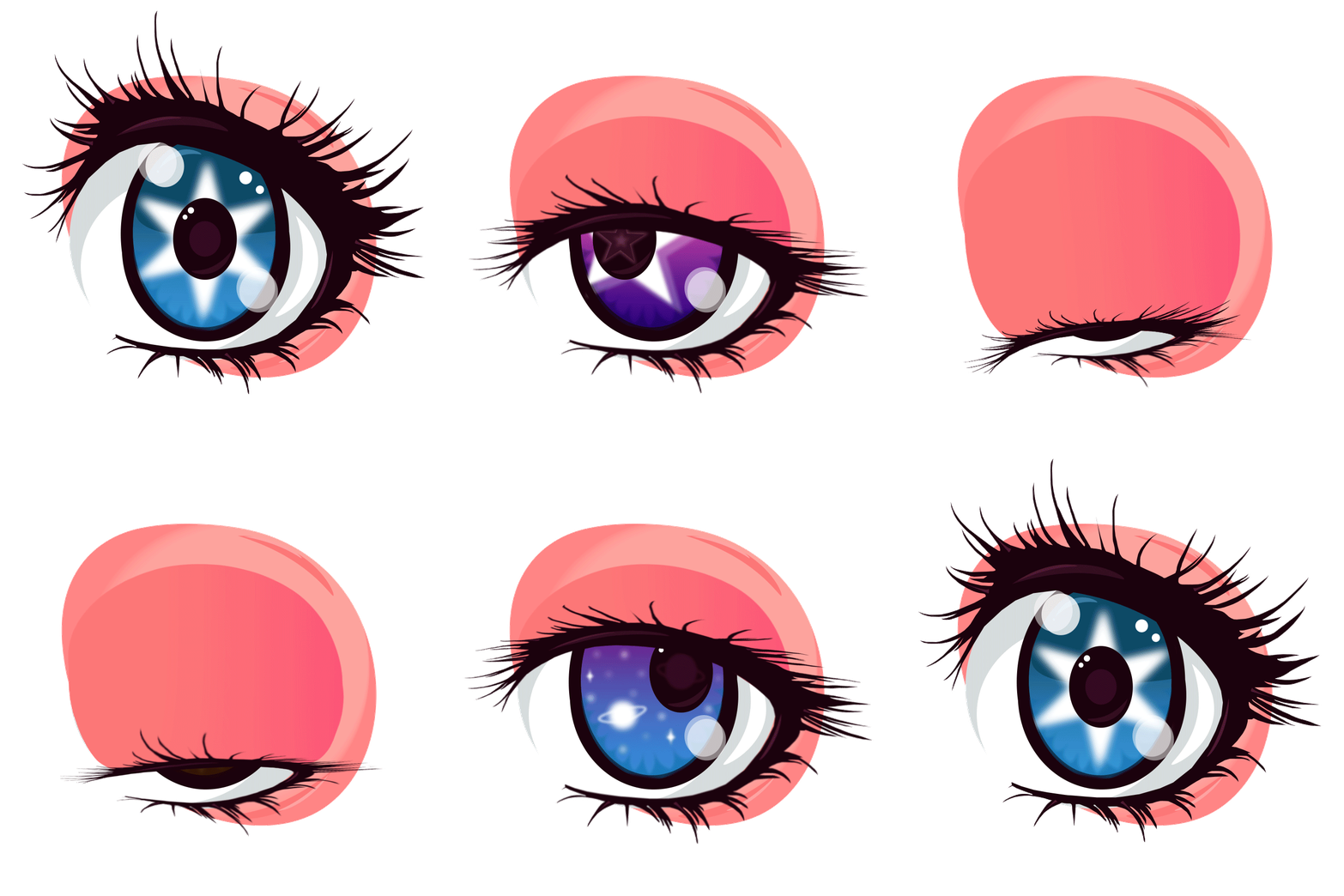
Eye Animation
To create this animation, I started by designing more eyes in Adobe Illustrator, I changed the pupil of each eye. Once I had the design finalized, I exported the individual elements (the eye and the eyelashes) as separate PNG files with transparent backgrounds. I then imported these elements into Adobe Photoshop and used the Timeline feature to create a frame-by-frame animation. I duplicated the eye layer and adjusted the position of the eyelashes in each frame to create the illusion of blinking. I also added some subtle movements to the eye itself, such as slight shifts in position and changes in the shape of the pupil, to make the animation feel more dynamic and lifelike. Finally, I exported the animation as a GIF file, which allowed me to easily share it online and showcase my work.
Inspired by the Blyth dolls, I wanted to create an animation that captured the whimsical and slightly eerie quality of these dolls.